Phone:
(701)814-6992
Physical address:
6296 Donnelly Plaza
Ratkeville, Bahamas.

Phone:
(701)814-6992
Physical address:
6296 Donnelly Plaza
Ratkeville, Bahamas.

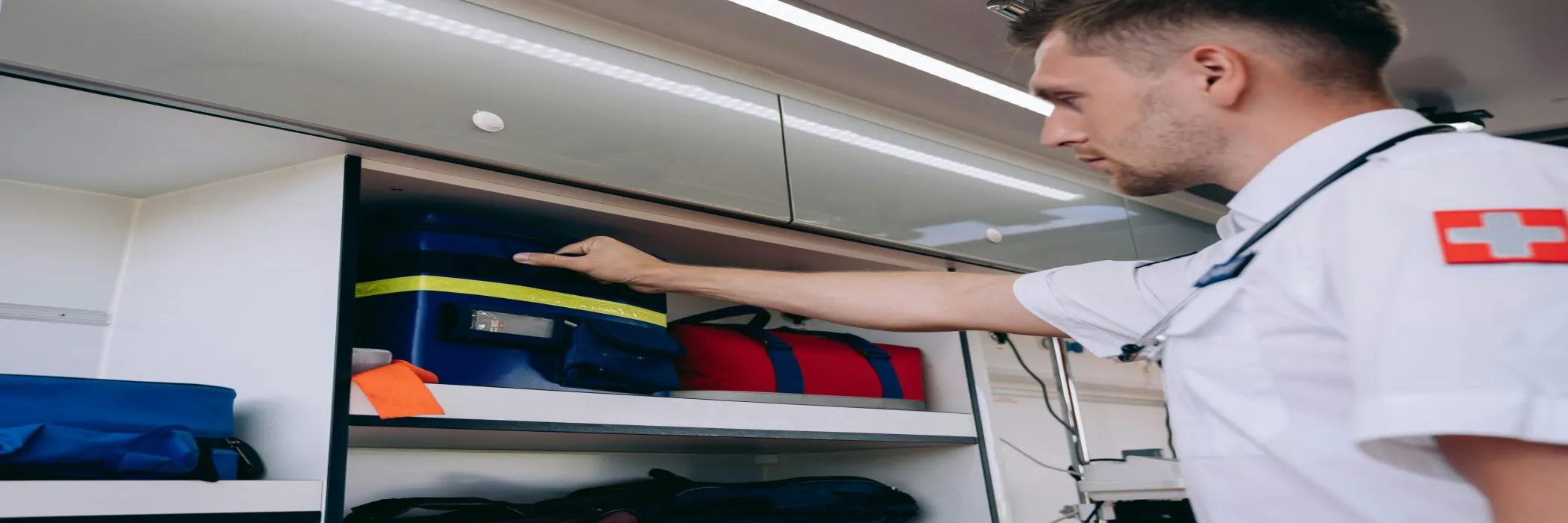
Equipment handover workflow software gives GCC service teams a clear record of who received an asset, in what condition, for which job and when it was returned.
y
## Why equipment handovers become an operational risk
Shared equipment moves constantly between technicians, projects, branches and customer sites. A generator may leave a central store for an emergency job. Testing tools may move between teams. Safety equipment may be issued for a short project and returned weeks later.
The operational problem is rarely the first checkout. It is the handover between people. When the record is a message, a paper form or an editable spreadsheet, managers can struggle to answer basic questions. Who accepted the equipment? Was damage present before the transfer? Which accessories were included? When should it come back?
These gaps create avoidable replacement cost, disputes and delays. They also weaken accountability when a customer, auditor or manager asks for evidence.
## What a controlled handover should capture
A useful equipment handover workflow should record the complete transfer, not only the asset name. At minimum, the form should include:
– asset number, type and description
– issuing location and receiving location
– employee, contractor or team accepting custody
– job, project or customer reference
– issue date and expected return date
– condition before transfer
– accessories, keys or consumables included
– photographs or supporting evidence
– acceptance confirmation and approval status
Digital forms make this information consistent. They also allow managers to adapt the checklist for different asset classes. A vehicle handover needs mileage and fuel details. A power tool handover may need a battery and charger check. A medical or safety kit may need expiry dates and seal condition.
Kensakan’s [Forms and workflow features](https://kensakan.com/features/) can help operators create repeatable records for these different situations while keeping the process connected to wider operational control.
## How workflow automation improves custody control
The form is only the start. The workflow should route the handover to the right people and make missing actions visible.
For example, a storekeeper can create the transfer. The receiving technician confirms the items and condition on a mobile device. A supervisor approves exceptions, such as missing accessories or visible damage. The system then records the accepted custody and sets a return reminder.
If the receiving person does not confirm the handover, the task should remain open. If the expected return date passes, the responsible manager should receive an escalation. This is more reliable than asking someone to remember a message sent several days earlier.
Offline capability is also important for GCC field teams working in construction areas, remote sites or basements. Staff should be able to capture evidence when connectivity is weak and synchronise the record later. That keeps the handover complete without forcing teams to delay work.
## Reports that help managers act
A good system should turn handover records into operational views. Managers may need to see assets currently with each team, overdue returns, damaged items, repeated loss patterns and transfers awaiting approval.
These views help the business take practical action. A branch with repeated missing accessories may need a better packing checklist. A project with frequent overdue returns may need a clearer close-out process. A high-value asset that changes hands often may need a named custodian rather than informal sharing.
The same record can also support planning. Managers can see whether demand is concentrated in one location, whether an asset pool is large enough for the current workload and whether certain teams need refresher training. That turns handover data into a useful operating signal instead of a file kept only for disputes.
The goal is not to create more administration. It is to replace fragmented follow-up with one visible process and a reliable audit trail. This complements the broader [Kensakan use-case library](https://kensakan.com/use-cases/) and can connect asset tasks with projects, employees and customer work.
## How to introduce the workflow without slowing teams
Start with the assets that create the greatest cost or risk. Keep the first form short, use clear condition choices and make photographs optional only where they add value. Train storekeepers and supervisors first, then explain the process to field staff in a short practical session.
Review exceptions after the first month. Remove fields people do not use and add controls for problems that repeat. The workflow should become easier as the business learns.
If shared equipment is moving through too many informal channels, [contact Kensakan](https://kensakan.com/contact/) to discuss a practical handover process for your teams.