Phone:
(701)814-6992
Physical address:
6296 Donnelly Plaza
Ratkeville, Bahamas.

Phone:
(701)814-6992
Physical address:
6296 Donnelly Plaza
Ratkeville, Bahamas.

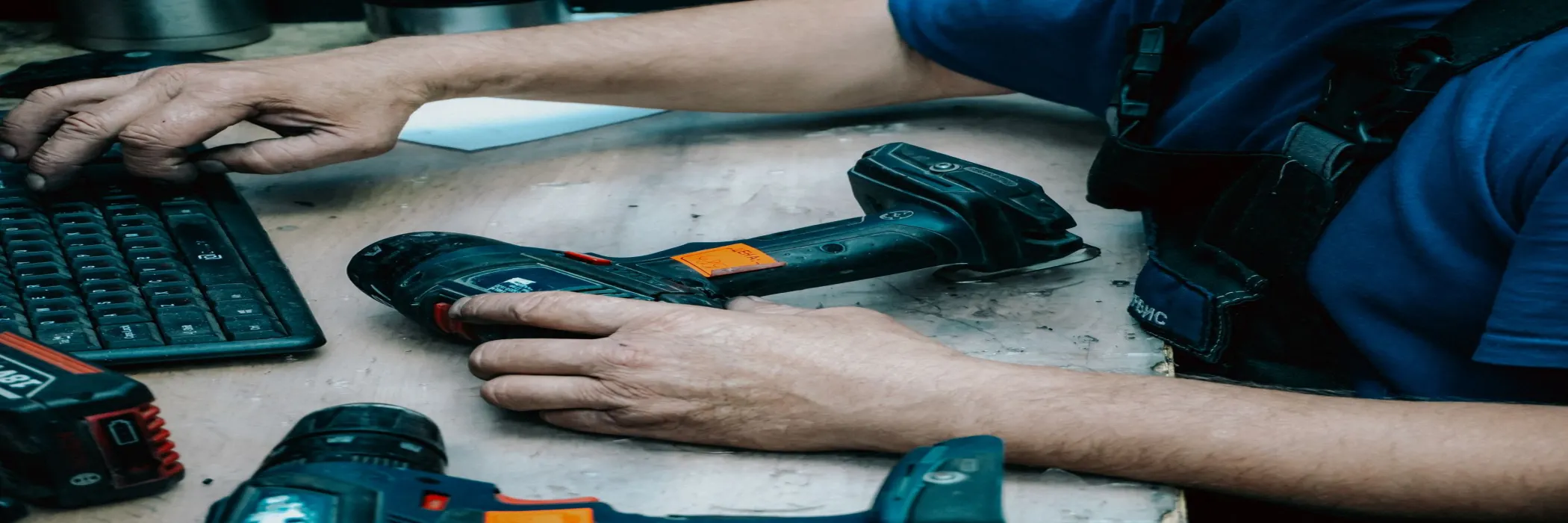
Work order approval software gives maintenance teams a clear route from reported issue to authorised scope, assigned work and verified completion.
y
## Why maintenance approval breaks down
Maintenance teams often work under pressure. A fault is reported, a technician investigates and someone asks for the repair to start immediately. When the job is small, a verbal approval may appear sufficient. Across multiple sites, however, informal approvals create confusion.
The team may not know whether the scope is final, which budget should pay for the work or who accepted the quoted cost. A technician can complete the repair and still wait for sign-off. Finance may receive an invoice without the original request, evidence or approval trail.
The result is slower work, disputed costs and limited visibility for the maintenance manager.
## Build one route from issue to authorised work
Work order approval software should connect the maintenance request to the approved job. The request should capture the location, asset, fault description, priority and supporting photographs. After inspection, the technician or supervisor can add the proposed action, materials, labour estimate and expected completion time.
The system can then route the work order according to clear rules. A low-value repair may need one supervisor. A major replacement may need operations and finance approval. A job affecting safety or customer access may need an additional review.
This creates a proportionate process. Small jobs do not wait in the same queue as major expenditure, while high-risk work does not proceed on an undocumented verbal instruction.
## Keep urgent repairs moving
Control does not need to mean delay. Define emergency rules before the next urgent fault occurs. For example, an authorised manager may release critical work up to a set threshold, with the full record completed afterwards. The workflow should still capture who made the decision, why the exception was needed and what follow-up remains.
Clear escalation timers also help. If a work order waits for approval beyond its target time, the next responsible person should be notified. Managers can see blocked jobs rather than discovering them during a complaint or a weekly meeting.
Kensakan’s [workflow and task features](https://kensakan.com/features/) are suited to connecting requests, approvals, ownership and completion evidence in one operational record.
## Make scope and cost visible
Many maintenance disputes begin with a scope that changes without a recorded decision. The approval workflow should preserve the original request and show later revisions. If the estimated cost rises, the system can reopen approval rather than allowing the change to disappear in a chat thread.
Useful fields include supplier quotation, parts required, labour estimate, target date, budget code and reason for variation. Managers can compare estimated and actual cost and identify assets that generate repeated repair spend.
It is also useful to separate approval from technical diagnosis. A technician should explain the fault and recommend a repair, while the authorised manager decides whether the cost and timing fit the business rules. This keeps decisions clear and avoids making one person responsible for every part of the process.
This information supports better decisions. The business may repair, replace, renegotiate a service contract or change a preventive schedule. Those choices are difficult when work orders are scattered across email and spreadsheets.
## Close the loop with evidence
Approval is not the end of the process. The assigned technician should record the work completed, parts used, readings taken and any remaining risk. Photos can provide evidence where appropriate. The requester or site supervisor can then confirm that the job is complete.
If an issue remains open, the record should return to the correct owner instead of being marked complete simply because a technician attended. This is especially important for service teams supporting several branches or customer sites.
The approach strengthens the audit trail described in Kensakan’s [inspection and operations use cases](https://kensakan.com/use-cases/) and gives management a more accurate view of service performance.
## A practical rollout plan
Choose one maintenance category first, such as air-conditioning faults, equipment repairs or facilities requests. Agree approval limits, emergency rules and completion evidence with the people who use the process daily. Keep the first workflow simple and measure approval time, overdue work orders, repeat faults and variation cost.
Once the team trusts the process, expand it to other sites and asset groups. The objective is a faster, more controlled repair cycle, not a longer form.
For a maintenance workflow that connects requests, approvals and accountability, [request a Kensakan discussion](https://kensakan.com/contact/).